I spent more than 12 years as an Owner-side project professional at a large water district managing capital improvement programs that ran continuously across treatment facilities, pipelines, and infrastructure upgrades. There was never just one project at a time. Always several, always at different stages. In that time, I used Projectmates for most of it, and I still remember what running a capital program looked like before we had it.
So when I see “best construction software” lists that put Owners, general contractors, and field crews all in the same bucket — ranking tools like Procore, Autodesk Construction Cloud, Kahua, Fieldwire, and Projectmates against each other as if they solve the same problem — I read it a little differently than most people would. I’ve lived both sides of that comparison, and the gap between them isn’t theoretical to me. It’s the difference between a program I could stand behind in front of a board, and another I was constantly trying to reconstruct after the fact.

To be fair, the line isn't perfectly clean
I want to be upfront about something: Procore and Kahua do offer Owner-facing features, and Autodesk has moved in that direction too. So, the real question isn’t does this tool have an Owner module, because most major platforms can check that box at some level now. The question I learned to ask, after years of living in these systems, is what mindset this platform was actually built around in the first place.
What "before Projectmates" looked like
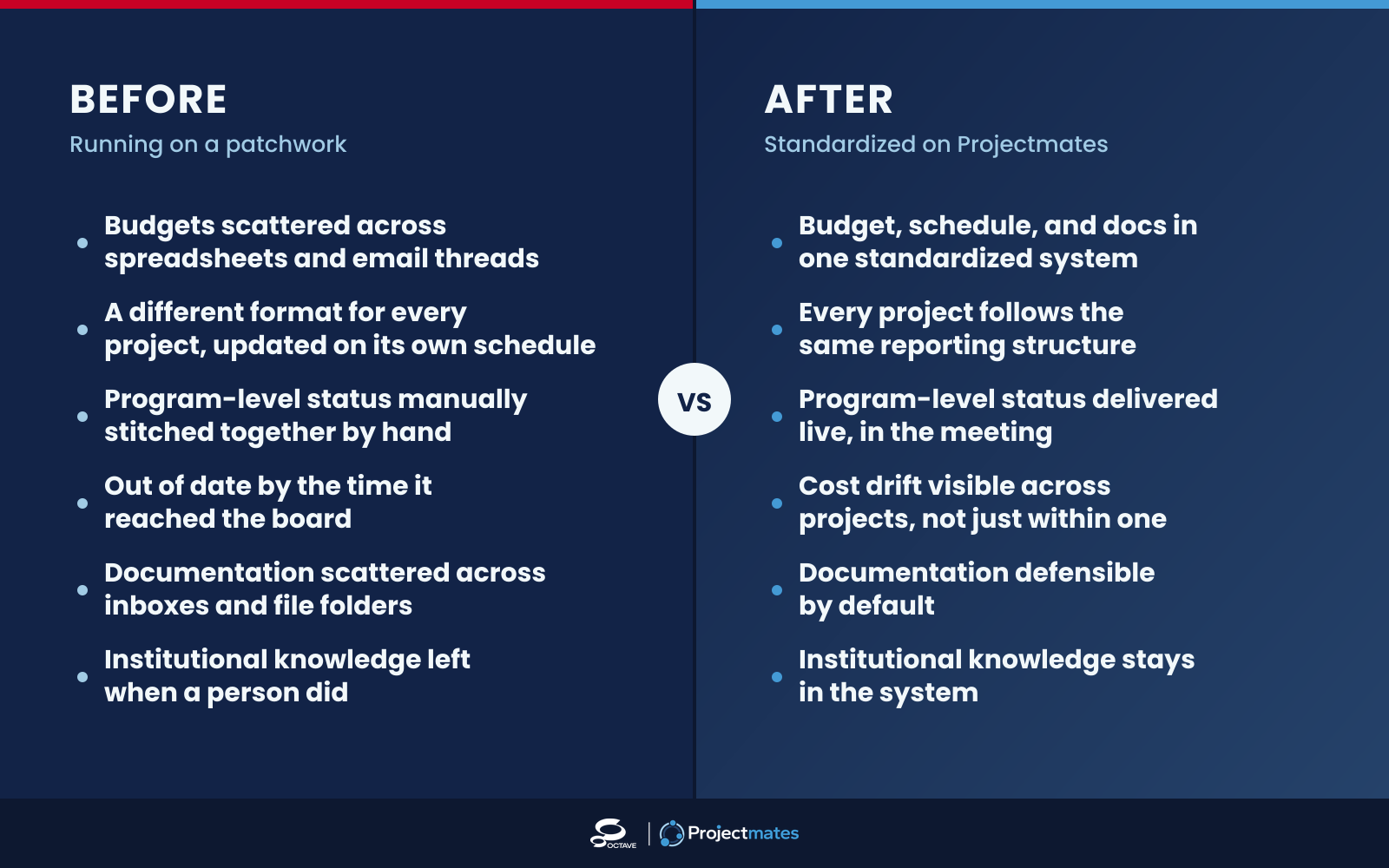
Before we standardized on Projectmates, our capital program ran on a patchwork of spreadsheets, email threads, and whatever reporting format each project manager happened to prefer. Budget status for one project lived in one spreadsheet; another project’s budget lived in a completely different format, updated on a different schedule, by a different person. When our board or finance team asked for a program-level picture — where we stood across all active projects, not just one — someone had to manually stitch all of that together, and by the time it was assembled, some of it was already out of date.
Documentation was the same story. Change orders, RFIs, and correspondence lived wherever the individual managing that project kept them. If someone left, or a project got audited, or a decision years later needed to be reconstructed, we were digging through inboxes and file folders hoping nothing had been lost. We were often disappointed with what we found.
That’s not a criticism of the people doing the work. It’s what happens when the tools weren’t built for the job we were actually doing, which was overseeing a program, not just running individual jobs.
What changed?
With Projectmates, budget, schedule, and documentation lived in one standardized system across every active project. When leadership or the board asked for a program-level status, I could give it to them in the meeting, not a week later. Every project followed the same reporting structure, regardless of which project manager was running it, which meant institutional knowledge wasn’t owned by one person — it stayed in the system.
The biggest shift happened when I started being able to catch issues before they became bigger problems. Cost drift on one project showed up next to cost drift on another, so I could see program-level patterns instead of finding out about each issue in isolation. Documentation was defensible by default, which was invaluable in a public agency where every dollar was subject to scrutiny.
Why I think the "built for Owners" distinction is real
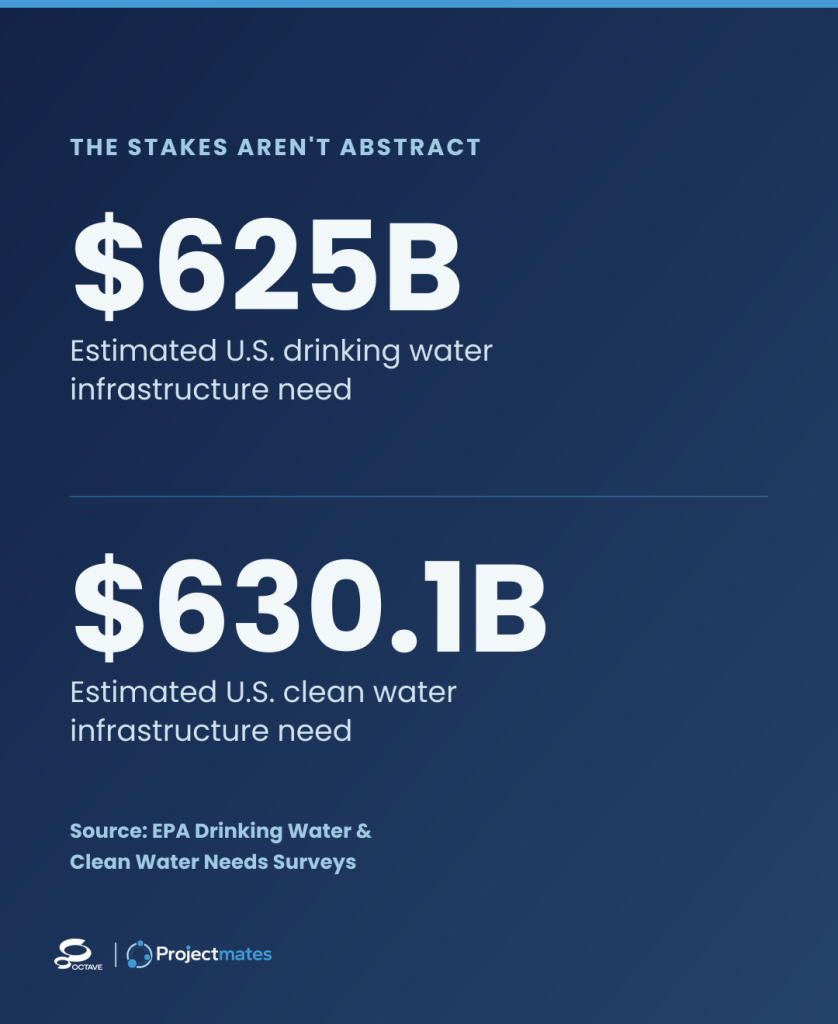
Looking back, I don’t think Projectmates felt different because it had more features. It felt different because the whole system was designed around the problem I actually dealt with, overseeing a program of capital projects with public accountability attached to every one of them, rather than around running a single job site with an Owner report bolted on top. In water infrastructure alone, the EPA estimates $625 billion in drinking water needs and $630.1 billion in clean water needs nationwide, so the stakes on getting program oversight right aren’t abstract. I can’t speak to the internal architecture of every platform on the market. But I can speak to what 12 years of daily use felt like, and what I’d tell any Owner evaluating their next system: don’t just ask whether a platform has an Owner-facing feature. Ask whether program-level oversight was the thing it was built to do from day one, or something added on afterward. In my experience, that distinction shows up fast once you’re managing more than one project at a time — and it shows up even faster in front of a board.
What I'd tell an Owner evaluating software today
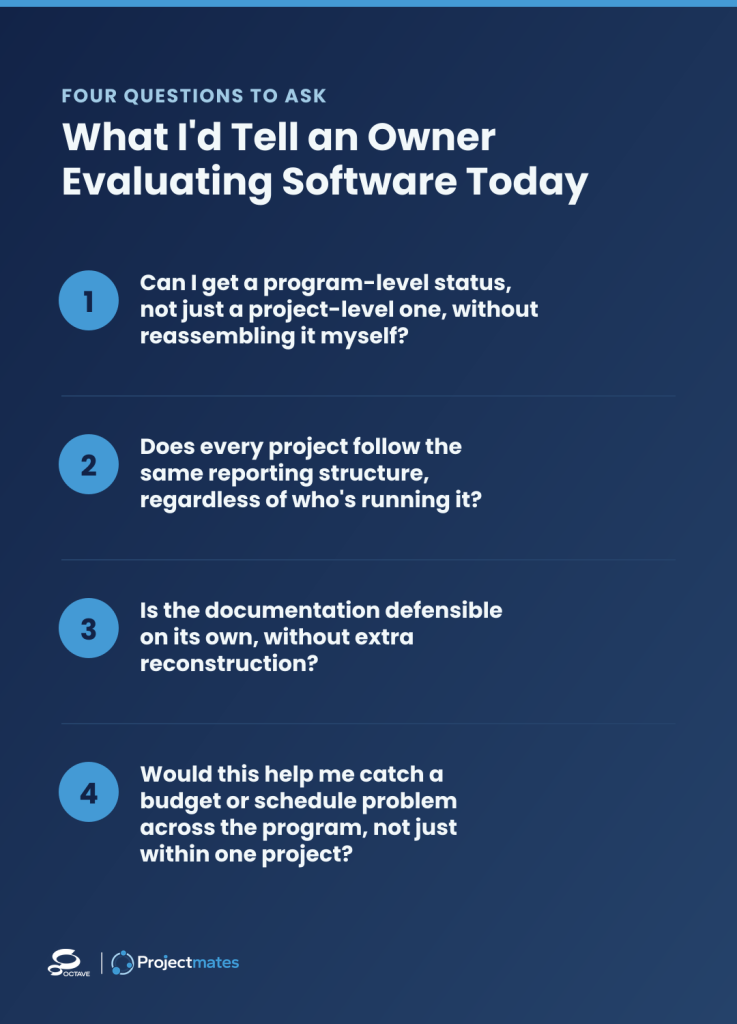
If I were sitting where I used to sit, deciding what to bring into a public agency’s capital program, here’s what I’d check:
- Can I get a program-level status, not just a project-level one, without reassembling it myself? If the answer requires pulling from multiple sources, that’s a sign of a contractor-first tool with an Owner report added on.
- Does every project follow the same reporting structure regardless of who’s running it? Consistency protected me more than any single feature ever did.
- Is the documentation defensible on its own, without extra reconstruction? In public work, that’s not optional.
- Would this help me catch a budget or schedule problem across the program, not just within one project? That’s the pattern-recognition that prevents the expensive surprises.
After Everything
I spent 12 years living the difference between running a capital program on a patchwork of tools and running it on a platform built for the job. Having an Owner module isn’t the same as being built for Owners — I learned that the hard way, and then I learned what it looked like to have the alternative. Projectmates was built Owner-first, and after over a decade using it, that’s not a marketing claim to me. It was my experience.