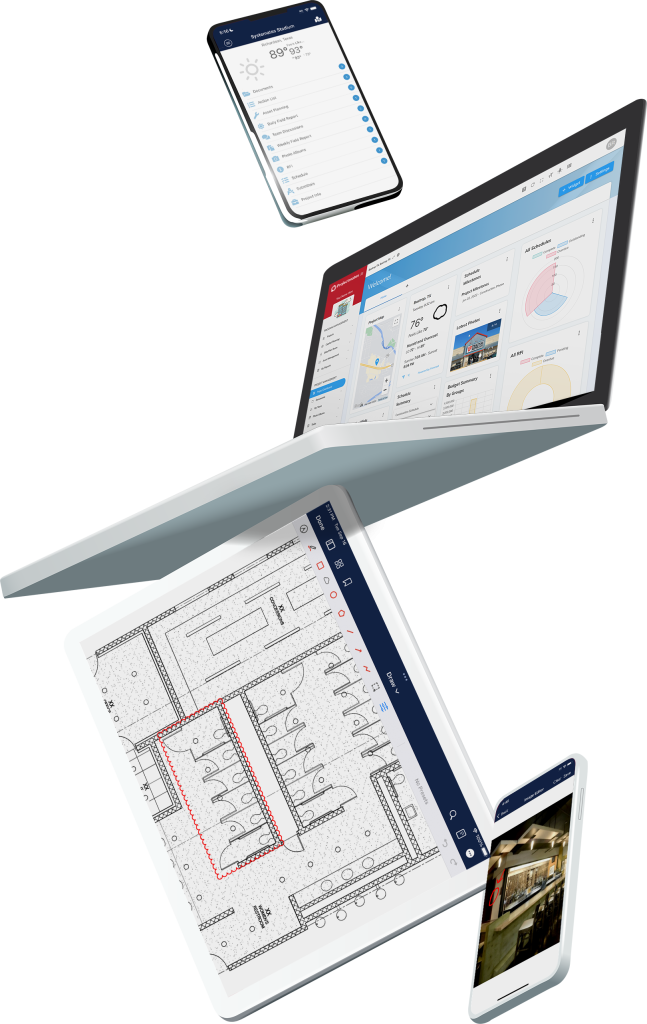
Our latest release introduces major features designed to enhance budgeting, scheduling, and contract management—plus several usability enhancements to improve the overall experience.
Let’s take a closer look at what’s new:
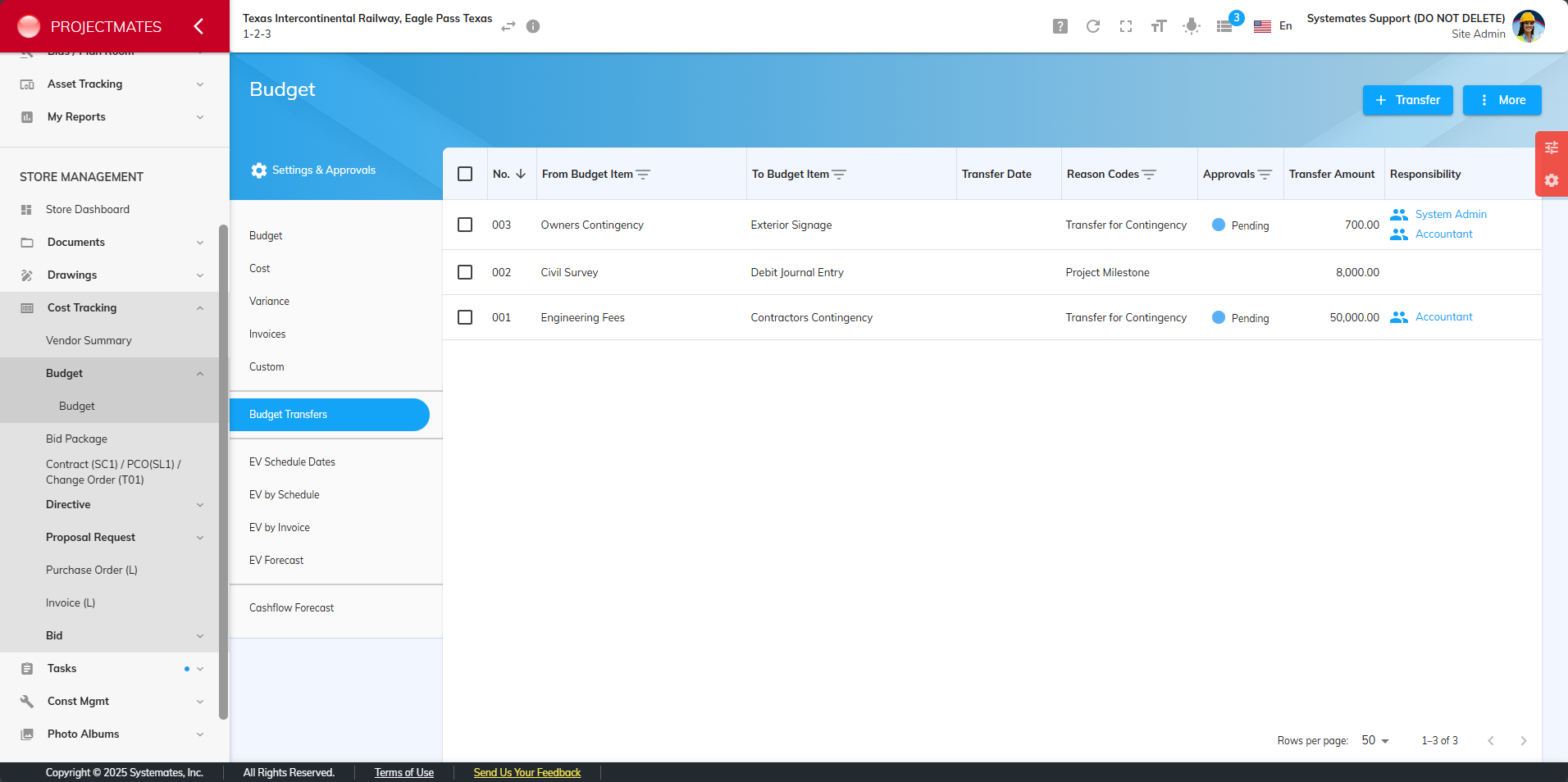
Budget Transfers: Bringing Greater Financial Control
Budgeting in construction projects is complex, and tracking the movement of funds between different budget line items can be a challenge. That’s why we’ve introduced Budget Transfers.
Why We Built This:
We’ve created a more structured way to track budget reallocations—whether it’s moving funds from contingency to cover unexpected costs or redistributing money across different projects. Now, instead of relying on manual entries or external tracking, users can log, approve, and document transfers directly within Projectmates.
How It Works:
- Log detailed metadata on why transfers are made.
- Attach supporting files or link directly to relevant Projectmates documents.
- Enable an approval process for added oversight.
- View a complete history log of all budget transfer activity.
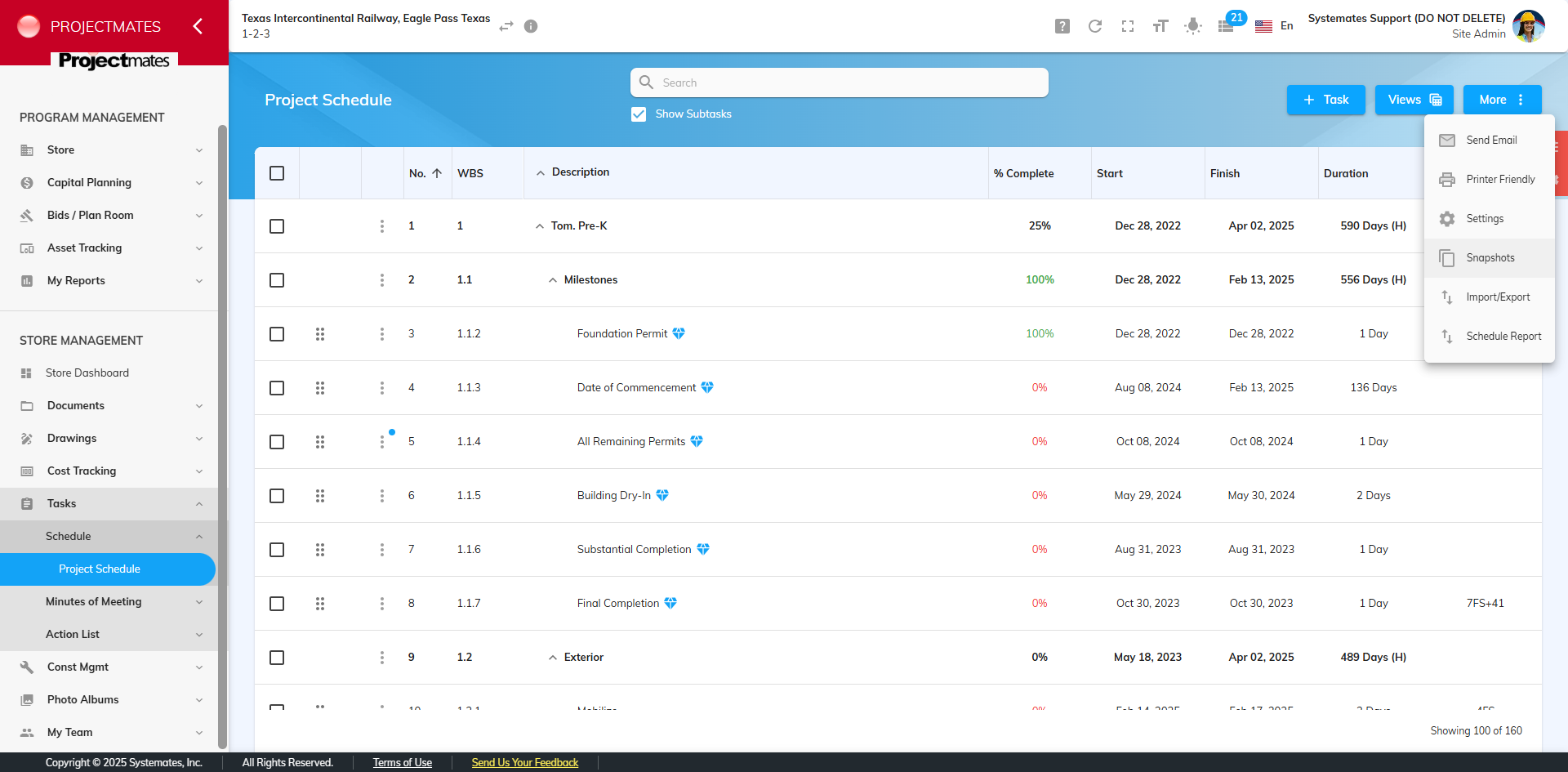
Schedule Snapshots: Track Changes with Confidence
Keeping track of schedule changes over the course of a project is critical. With Schedule Snapshots, users can capture and compare different versions of a schedule over time.
Why We Built This:
Clients needed a way to compare past and present schedules, restore previous versions, and ensure accountability when changes are made. Schedule Snapshots provide a visual and data-driven way to track progress and make informed adjustments.
How It Works
- Automatically capture schedule versions when importing or deleting a schedule.
- Manually create snapshots as needed, similar to Budget Snapshots.
- Compare past and present schedules, identifying differences in start and finish dates, assigned tasks, and percent completion.
- Restore a previous schedule if necessary.
Unit Price Contract Contingency Transfers: Simplifying Cost Adjustments
Managing contingency funds in unit price contracts just got easier. With Contingency Transfers for Unit Price Contracts, users can reallocate contingency funds to cover approved change orders, keeping project finances organized.
Why We Built This
Previously, there was no direct way to move contingency funds within unit price contracts, leading to workarounds and potential confusion. Now, users can track these adjustments seamlessly, ensuring that all financial moves are properly documented.
How It Works
- Move contingency funds to specific cost items within unit price contracts.
- Ensure a clear record of contingency spending.
- Prevent unauthorized billing of contingency funds by restricting their display in invoice line items.
Additional Enhancements
In addition to these major features, we’ve made a variety of usability updates across Projectmates to improve efficiency and consistency.
Here are the highlights:
Cost Tracking
- Added the ability to clear cash flow forecasts instead of manually re-importing budgets.
- Budget snapshot comparison reports now indicate which snapshot is being viewed.
- Users with add/delete rights can now edit snapshot names for better organization.
Change Orders & Invoices
- Link proposal requests to change orders, automatically updating days changed.
- Link change directives to change orders, similar to RFIs.
- Contingency line items now appear on the approval tab of invoices instead of the items tab, reducing confusion.
Project Management Enhancements
- Custom apps now support comments for improved collaboration.
- Meeting minutes now include a field for meeting URLs, perfect for virtual meetings.
- Change notifications for schedules now include actual start and finish dates.
- Bidder selection dropdowns now remain open for multiple selections, reducing repetitive clicks.
Admin & Standardization Updates
- User emails are now included in the user export report.
- Added a user role report for better visibility in site administration.
- Improved project request tracking with a dedicated ‘Complete’ status column.
- Standardized error messages in capital planning imports for a clearer user experience.
We’re always working on additional updates based on your feedback. Check out the full list of updates HERE.
Have questions or feedback? Please reach out—we’d love to hear how these updates are helping your team!